Convert every city's time easily

Beautiful, minimalist, powerful timezone app

Earth
App Preview

Try it right here

Scroll through the hours.
Drag to fine-tune.

Time shiftNow
Now+3h+6h+9h+12h
Scroll, or swipe a card sideways

iPhone · iPad · Mac

A full app on iPhone, iPad and Mac, with widgets everywhere. Same cities, same timeline, on every screen.

iPhoneiOS

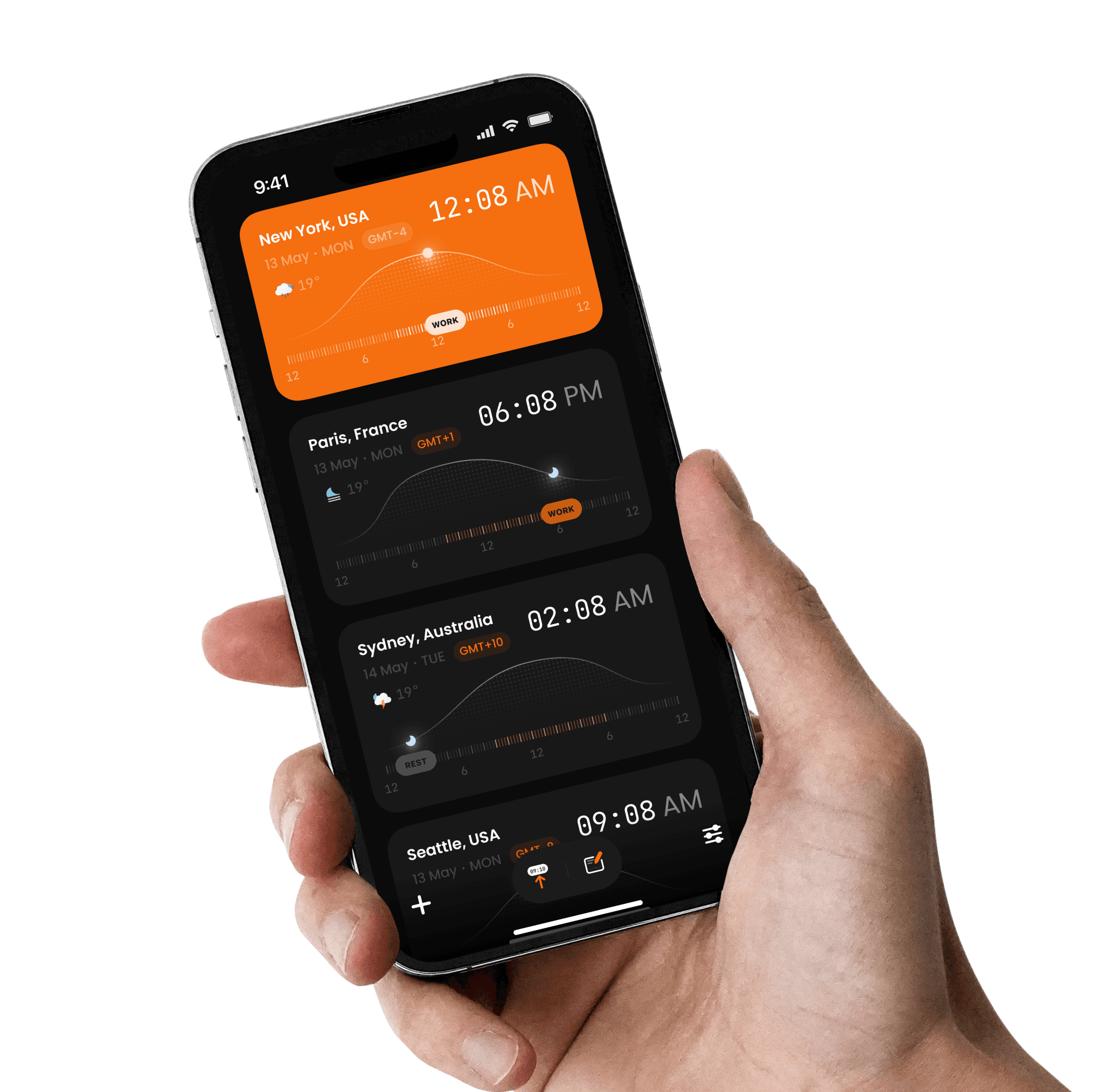
Always in your pocket.

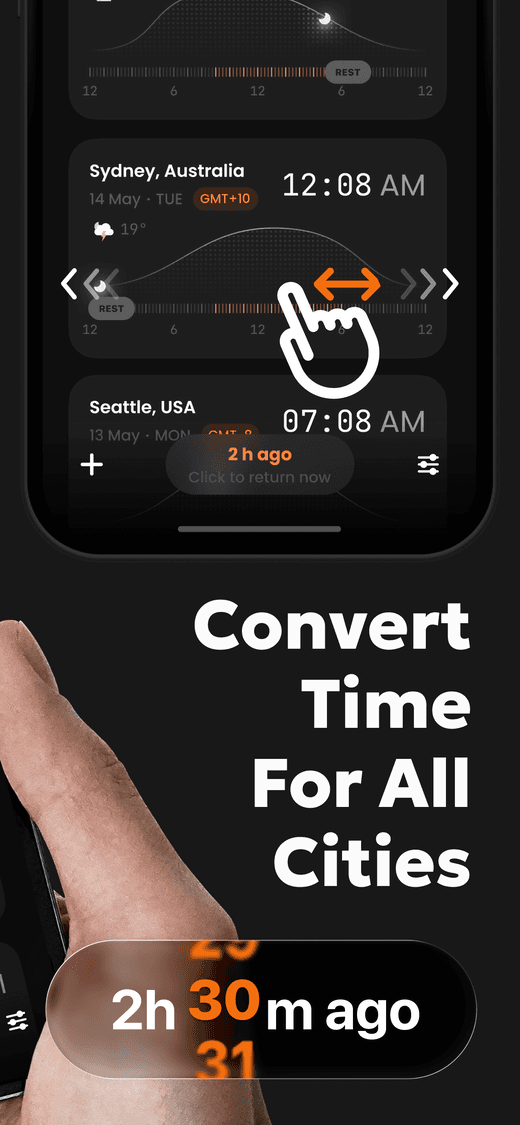
The same timeline, one thumb away. Recorded straight from the app.

  • Drag any card to convert
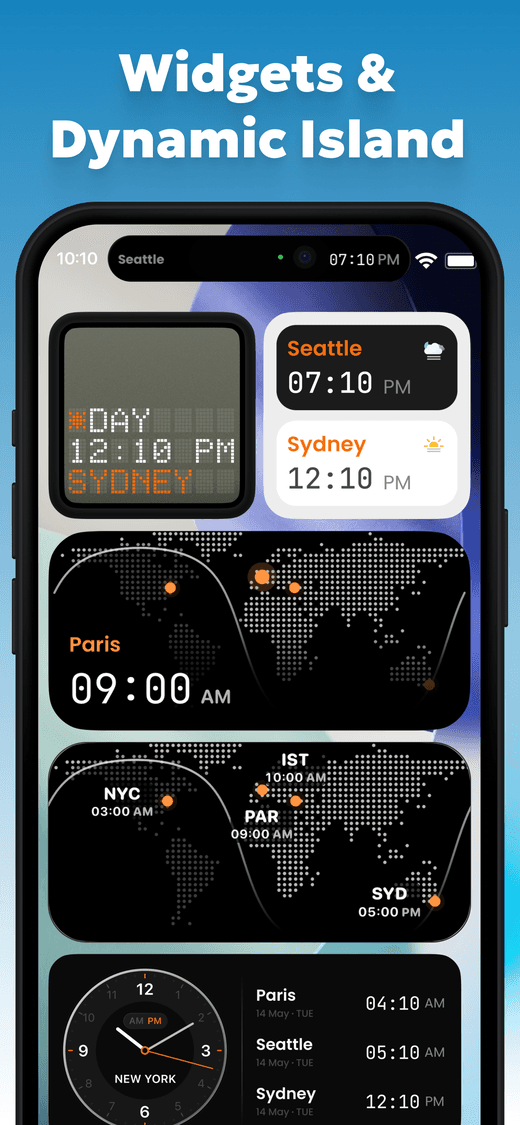
  • Home Screen and Lock Screen widgets
  • Live Activities in the Dynamic Island

Features

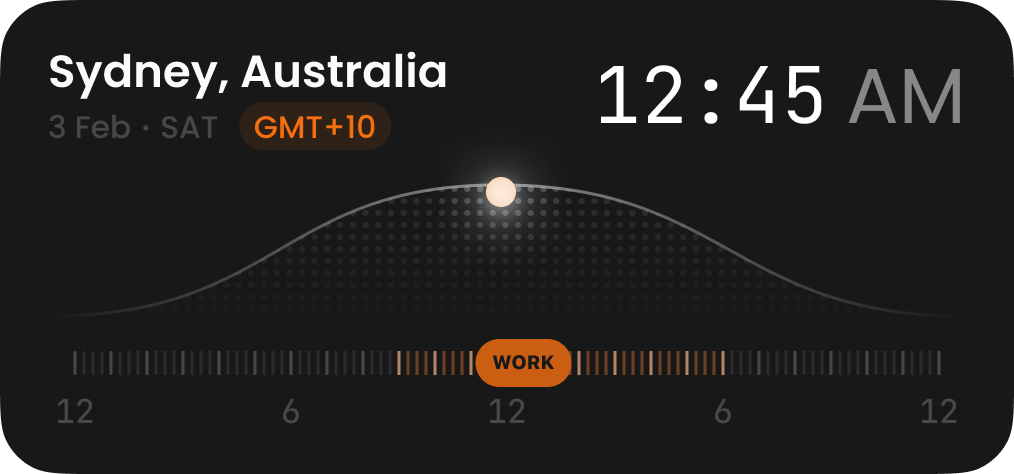
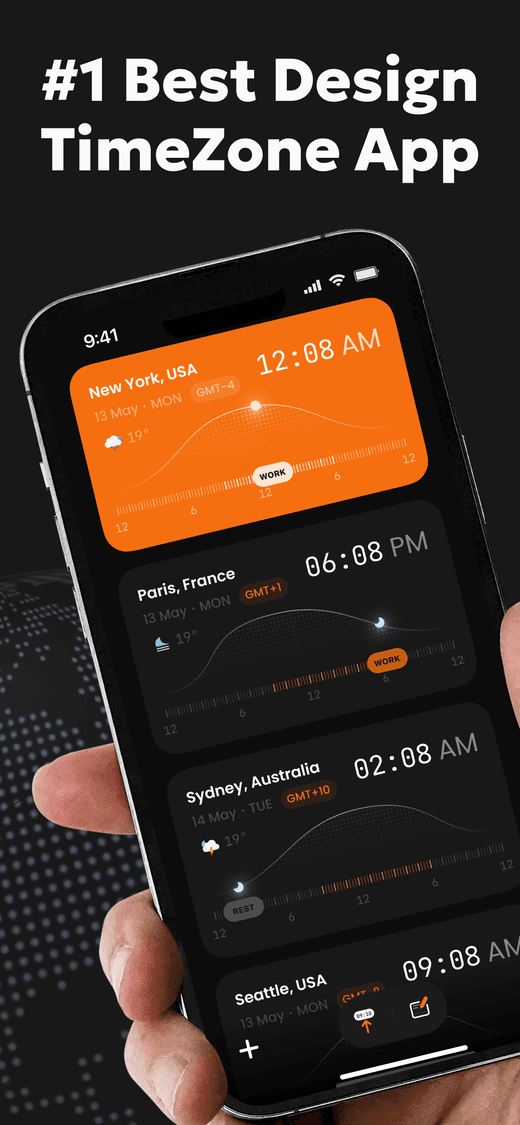
Not another list of numbers. ScapeTZ draws daylight, office hours and weekdays, so the right time to reach someone is obvious.

See the daylight, not just the digits.

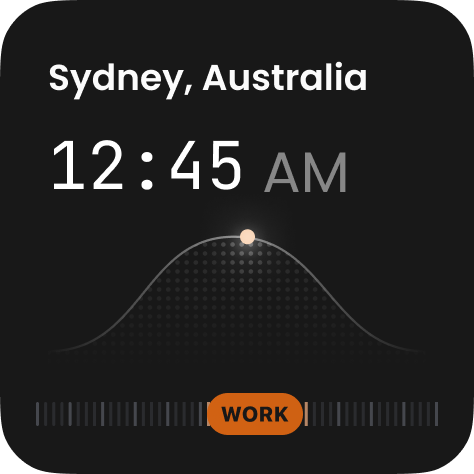
Every city gets its own sun path — sunrise, solar noon and sunset for today. You'll know whether someone's awake before you read a single number.

Tokyo sunrise
--:--
Sunset
--:--
Daylight
--

Know who's still at work.

Office hours light up on every scale. Weekends stay quiet.

  • Los Angeles--:--Rest
  • New York--:--Rest
  • London--:--Rest
  • Dubai--:--Rest
  • Singapore--:--Rest
  • Tokyo--:--Rest

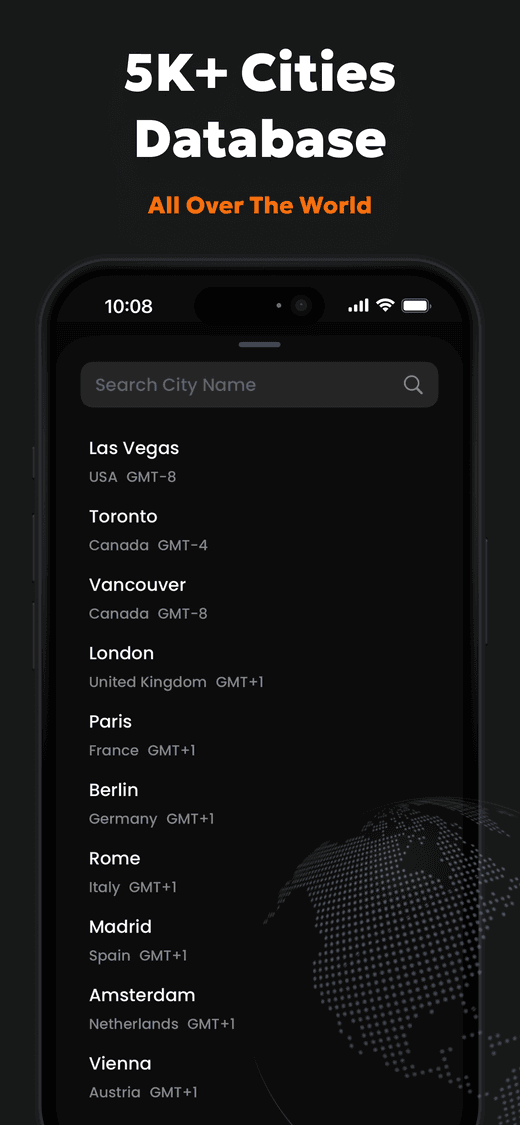
7,300+ cities.

Type a few letters. Every result knows its offset.

Lon
  • London

    UK · GMT

  • Madrid

    Spain · GMT

MacmacOS

Every city, right in your menu bar.

Click the globe, swipe the cards to shift time, click once to snap back to now.

New York, USA

— · GMT

--:--

Rest
12612612

Los Angeles, USA

— · GMT

--:--

Rest
12612612

Paris, France

— · GMT

--:--

Rest
12612612
Swipe left or right to adjust the time
  • Add a City
  • Open Main Window
  • Settings
  • Quit

Daylight saving, sorted.

Clocks change on the right night, in every city.

  • LondonGMTGMT+1
  • New YorkGMT-5GMT-4
  • SydneyGMT+11GMT+10

Widgets

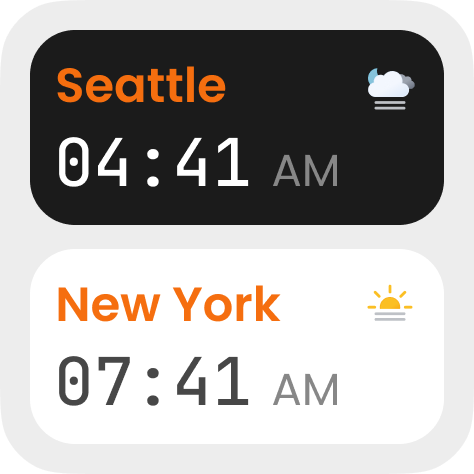
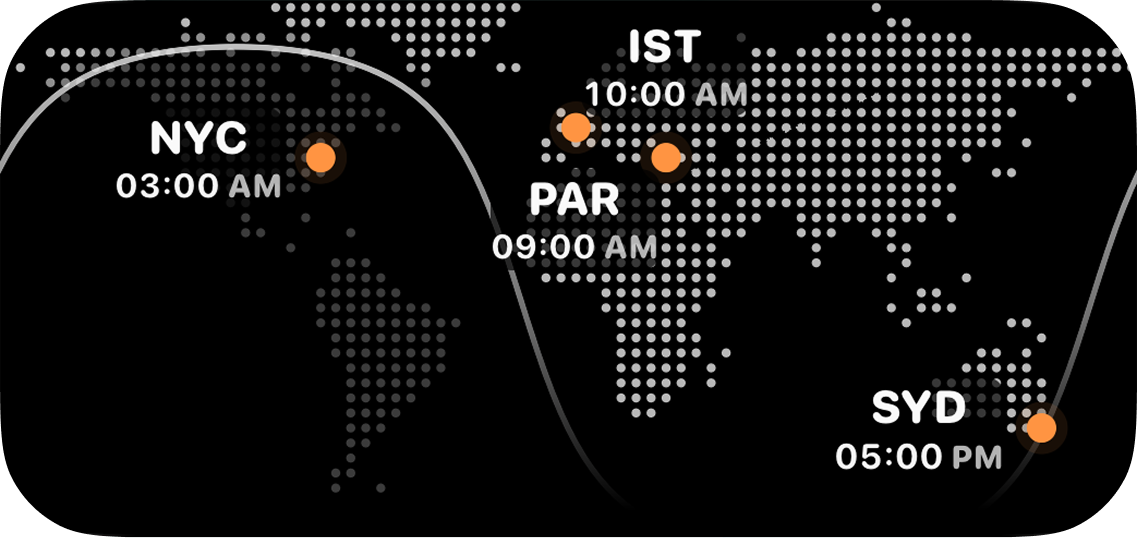
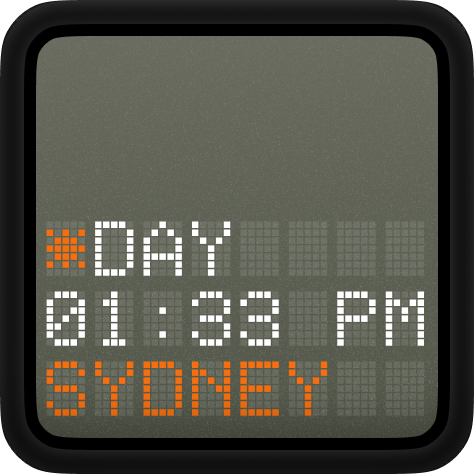
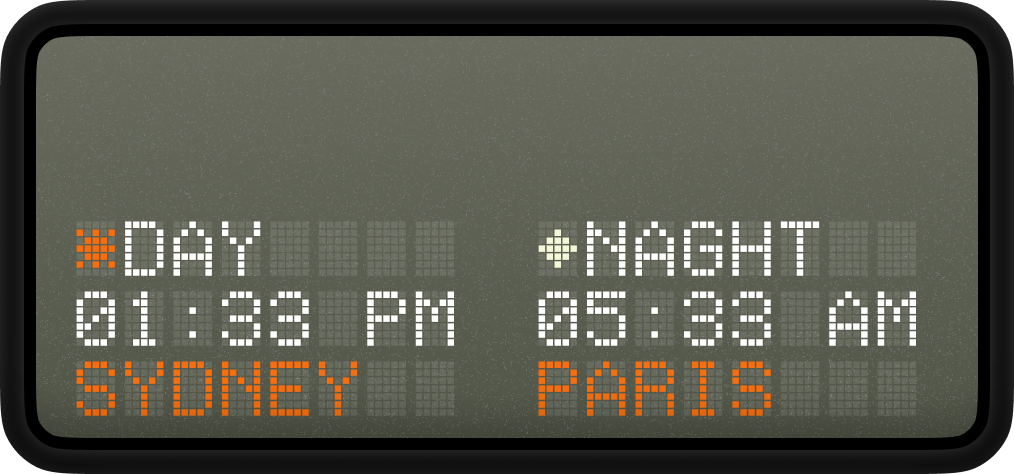
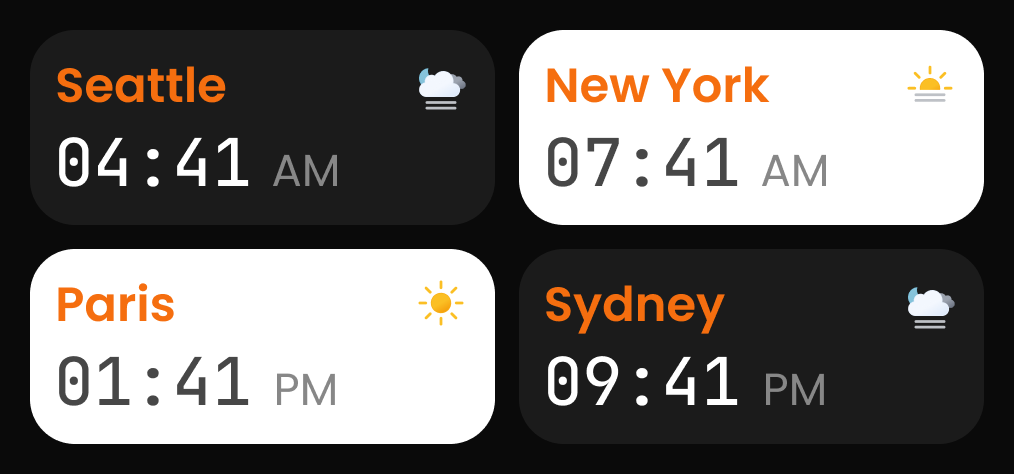
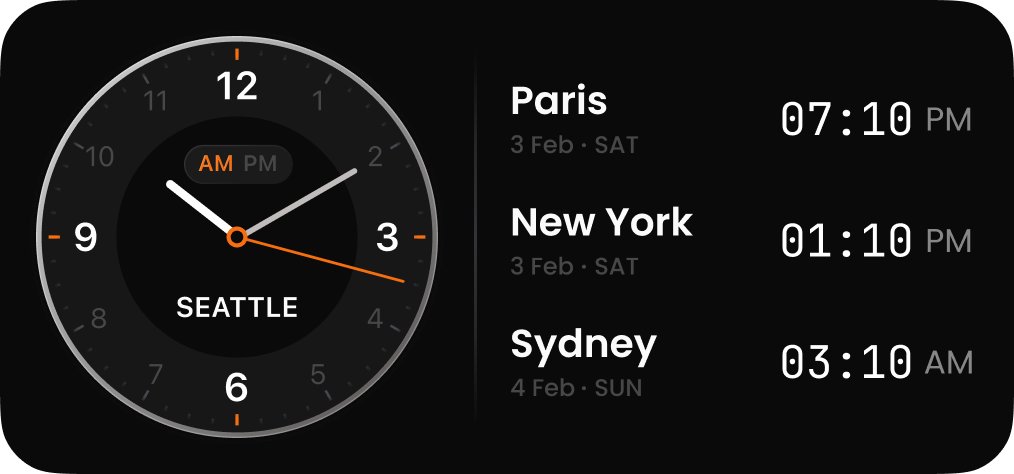
Starring the dot world map, with city cards, LCD, analog and Metro alongside — on your Home Screen, Lock Screen or wrist. Long-press any widget to pick its cities.
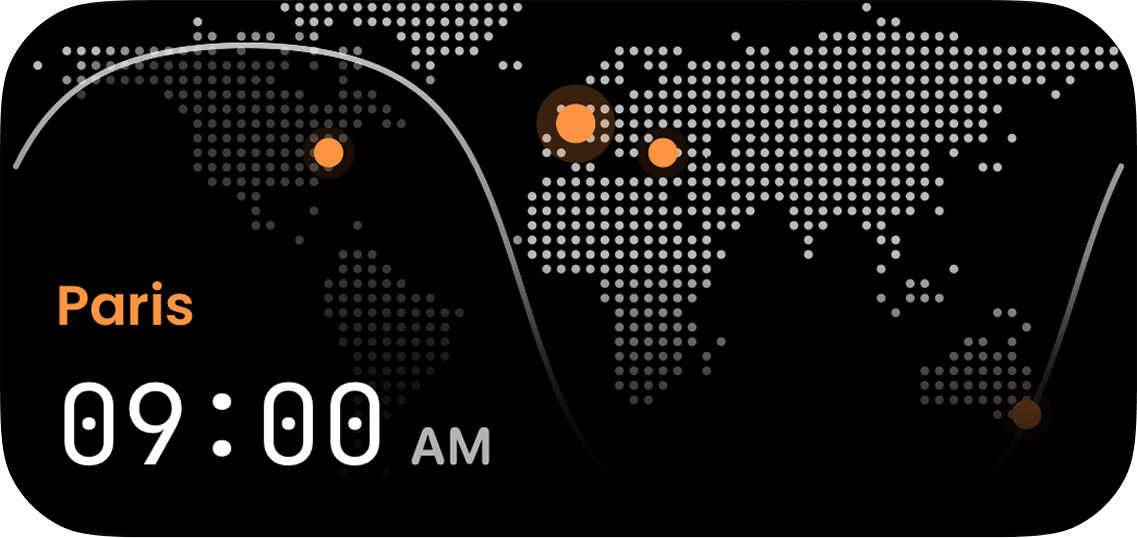
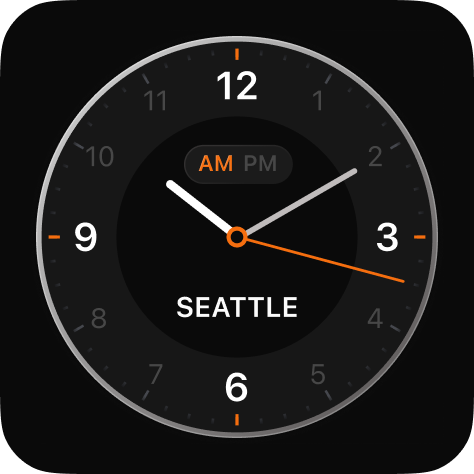
Dot world map widget for one cityAnalog clock widget, smallCity card widget, mediumMetro widget, small, lightDot world map widget with every cityLCD widget, small
LCD widget, mediumCity card widget, smallMetro widget, medium, darkAnalog clock widget, medium

Changelog

Regular updates that keep the small things dependable — clearer dates, steadier widgets, fewer surprises.

v2.2.2

Latest
  • Layouts now hold up at larger Dynamic Type and accessibility text sizes
  • Refreshed the regional dot-map widget
  • Smaller usability fixes throughout

v2.2.1

  • More reliable UTC, GMT and DST display
  • UI refinements and bug fixes

v2.2.0

  • Two widgets redesigned for a cleaner look
  • Widgets refresh more promptly
  • Fixed widgets occasionally misreading your purchase status
Full release history on the App Store

FAQ

Can't find what you're after? Reach out from the app's settings.

Which devices does ScapeTZ run on?
iPhone, iPad, Mac and Apple Watch, running iOS 15 or later. On iPad and Mac, the dot globe sits right beside your city cards.
Is ScapeTZ free?
It's free to download from the App Store. A handful of advanced features are available as an optional in-app upgrade.
Does it handle daylight saving time?
Yes. Each city works out its own UTC offset and DST rules for the exact date you're looking at — even when you drag the timeline into next week.
How do work hours work?
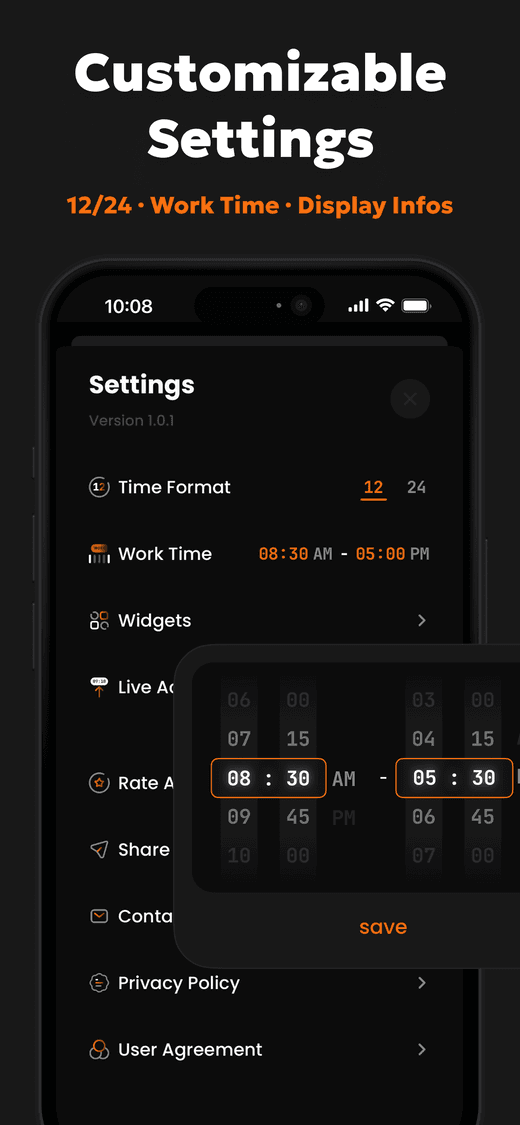
Every card marks office hours on its 24-hour scale and tags the current moment as Work or Rest. Weekends stay quiet, so you can tell at a glance who's reachable.
Which widgets are included?
Twelve in total: city cards, a dot world map with regional views, LCD, analog clock, Metro, Lock Screen widgets and a Live Activity — in small, medium and large.
What happens to my data?
Your city list is yours. Our privacy policy spells out exactly what is and isn't collected.Read the privacy policy →

Get ScapeTZ on the App Store.

Free to download for iPhone, iPad, Mac and Apple Watch.
  • iPhone
  • iPad
  • Mac
  • Apple Watch